
Colority.net

Extract colors from images

Colority is the easiest way to extract core colors from any image. Instead of struggling with clunky color-picker tools buried in complex software, creatives get an instant palette with precise HEX, RGB, HSL, and Pantone value – ready to be copied right into any project.

What started as a side project is now a fully functional micro-tool. It was self-designed and -engineered as React.js app, leveraging the AI-coding tool Cursor. It's available for free at www.colority.net.

Colority branding screenshot 1 Colority branding screenshot 2

Content-First Design Language

Coloritys design language is as minimal as its purpose. The identity is anchored by a fluid, organic logo representing the blending of colors. This is paired with a modern sans-serif typeface and generous whitespace to ensure the user-generated palettes always act as the visual hero element.
Colority mobile interface screenshot

Responsive & Accessible

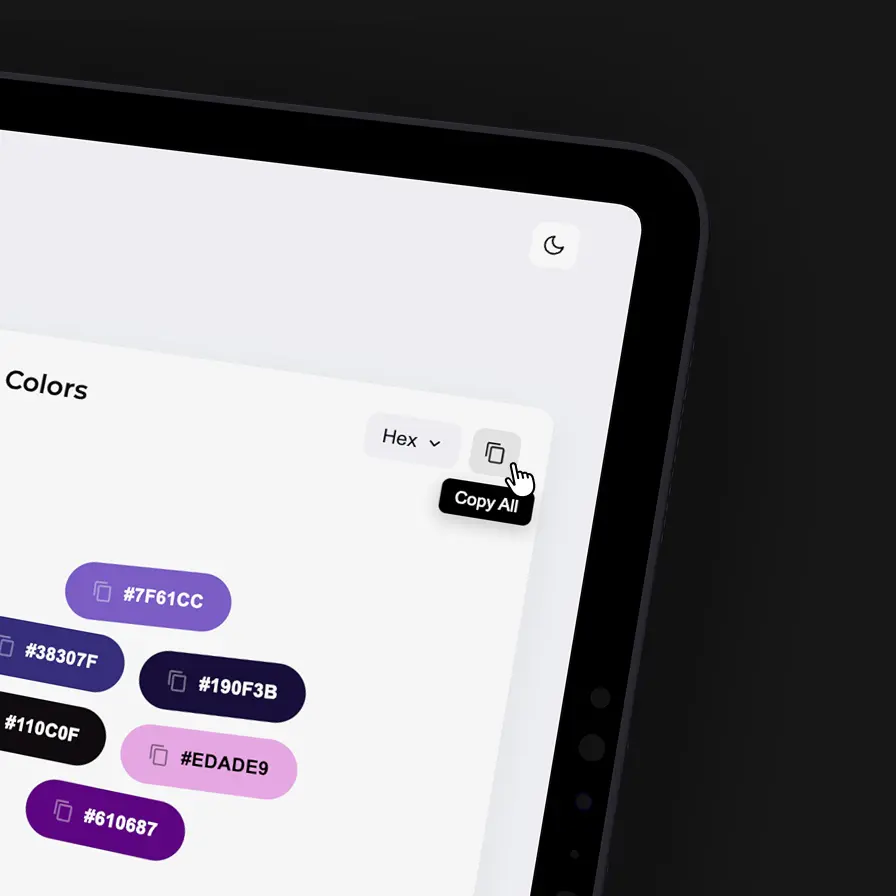
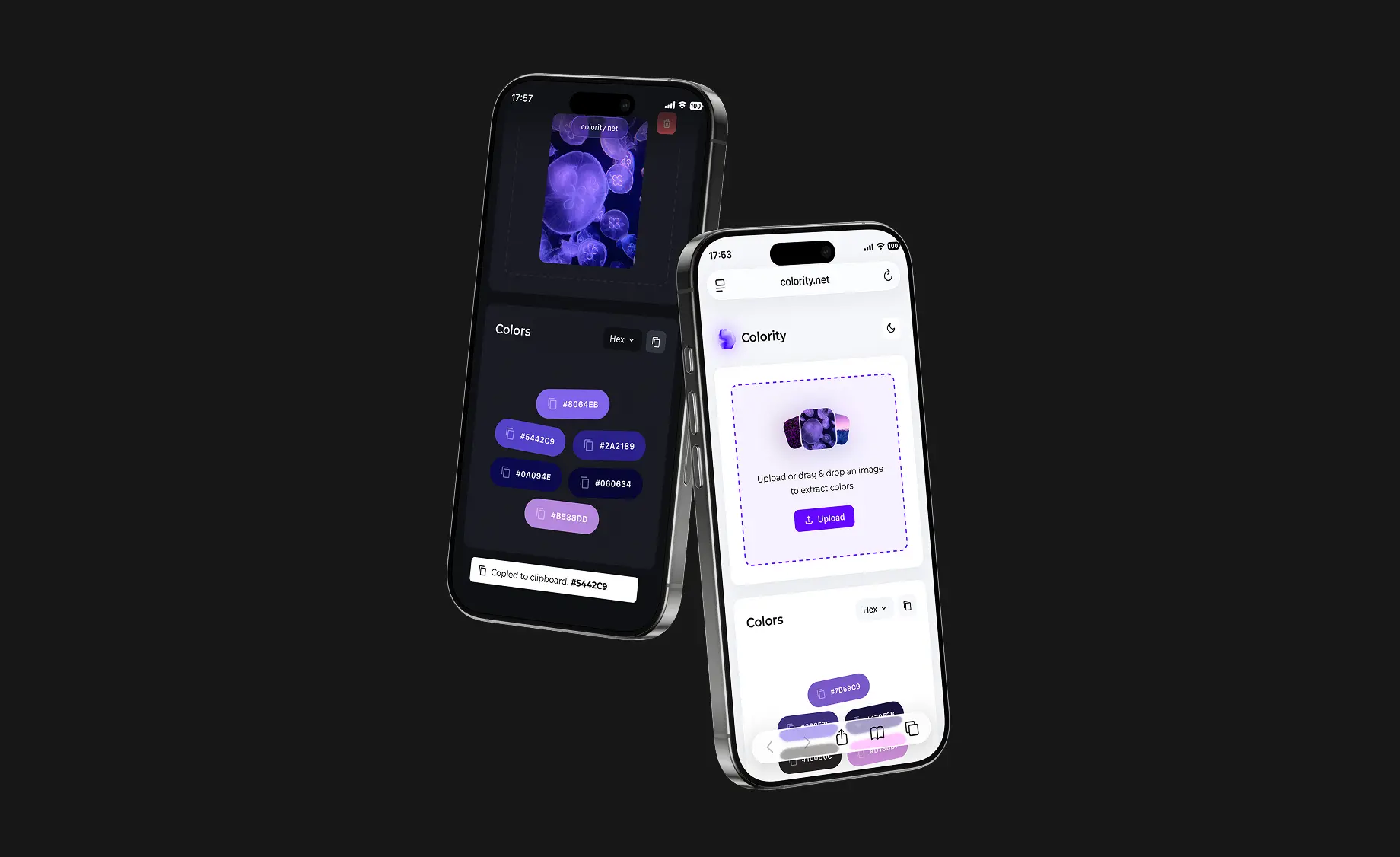
Colority runs in the browser, allowing creatives to upload images directly from a phone camera or desktop library. To ensure optimal contrast against any extracted shade, the UI supports both light and dark modes. To make the UX intuitive from the start, the empty state displays a preview palette based on an example visual – instantly demonstrating the logic instead of confusing first-time users with a "blank canvas."

Colority tablet light theme screenshot Colority tablet dark theme screenshot

Precision Meets Playfulness

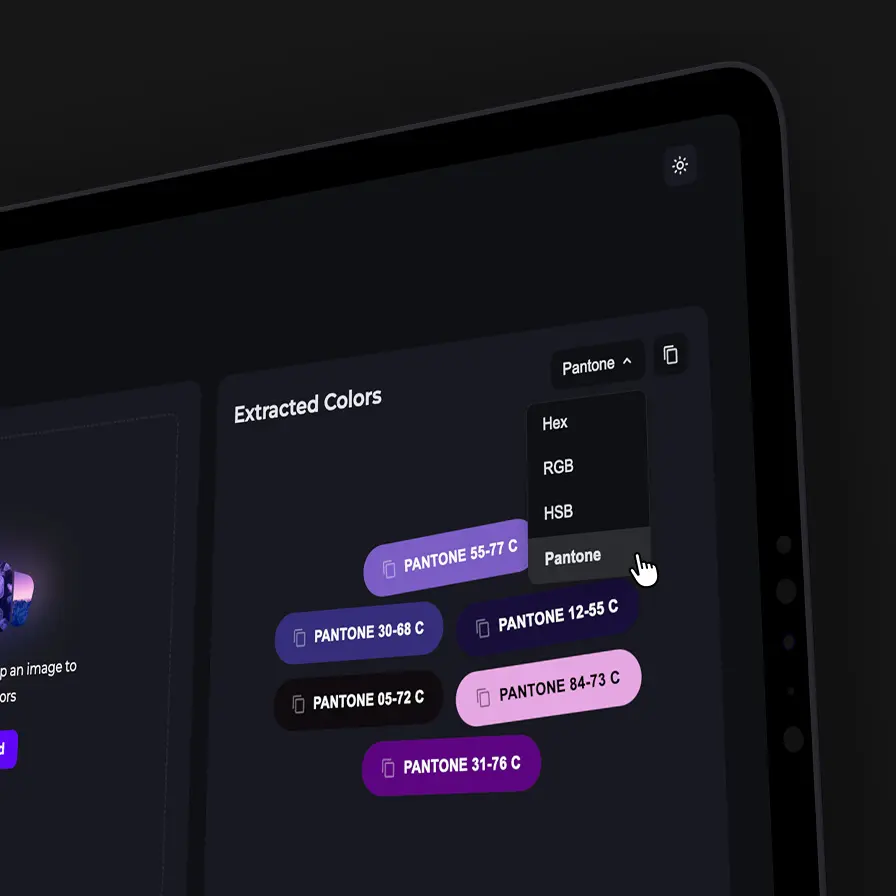
Users can seamlessly switch palette outputs between HEX, RGB, HSL, and Pantone. Individual codes or the entire palette can be copied to the clipboard with a single click. But Colority goes beyond displaying raw data. To elevate the experience, it uses a playful layout brought to life by fluid micro-animations. These details transform a standard utility into a crafted experience – adding a layer of joy and delight that design-conscious users can truly appreciate.