Clipbear

Product Design, Design System

Reimagining clipboard management for power users

The clipboard is one of the most-used tools in a developer or designer's workflow, yet existing managers treat it as a passive log. In reality, power users constantly perform micro-tasks around copied content across multiple disconnected tools, causing constant context switching and broken focus.

The core challenge was designing a clipboard manager powerful enough to replace 10+ utilities, while still feeling fast, lightweight, and secure. Three design problems had to be solved:

  • Integrating a wide range of features without overwhelming the interface
  • Building habit-forming mechanics that allow users to develop muscle memory
  • Designing for trust and privacy
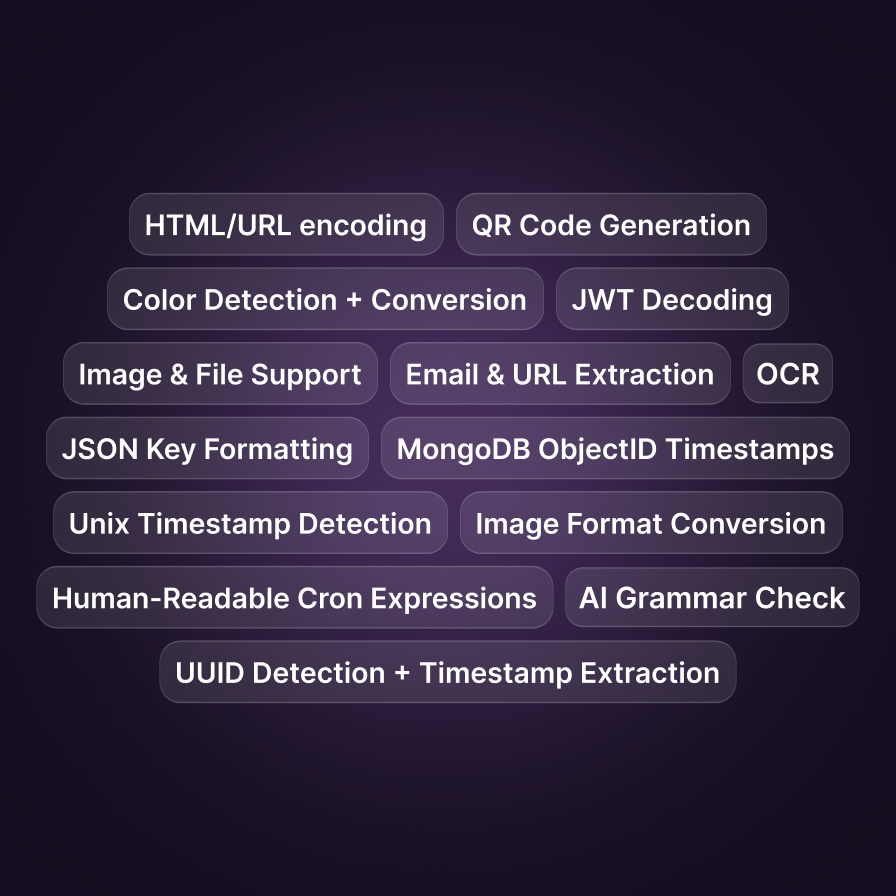
Clipbear features overview

Turning clipboard history into a productivity tool

The first step was consolidating all those disconnected micro-tasks into one tool. Rather than switching between a formatter, a screenshot utility, a grammar checker, and a set of developer tools, Clipbear integrates all of it around the copied content itself.

With this many capabilities in one place, discoverability becomes a challenge of its own. A short onboarding tutorial introduces users to the core features and how to access them, making the depth of the tool clear right from the start. Since ClipBear handles sensitive content, the onboarding was also designed to communicate on-device processing, encryption, and app blacklisting.
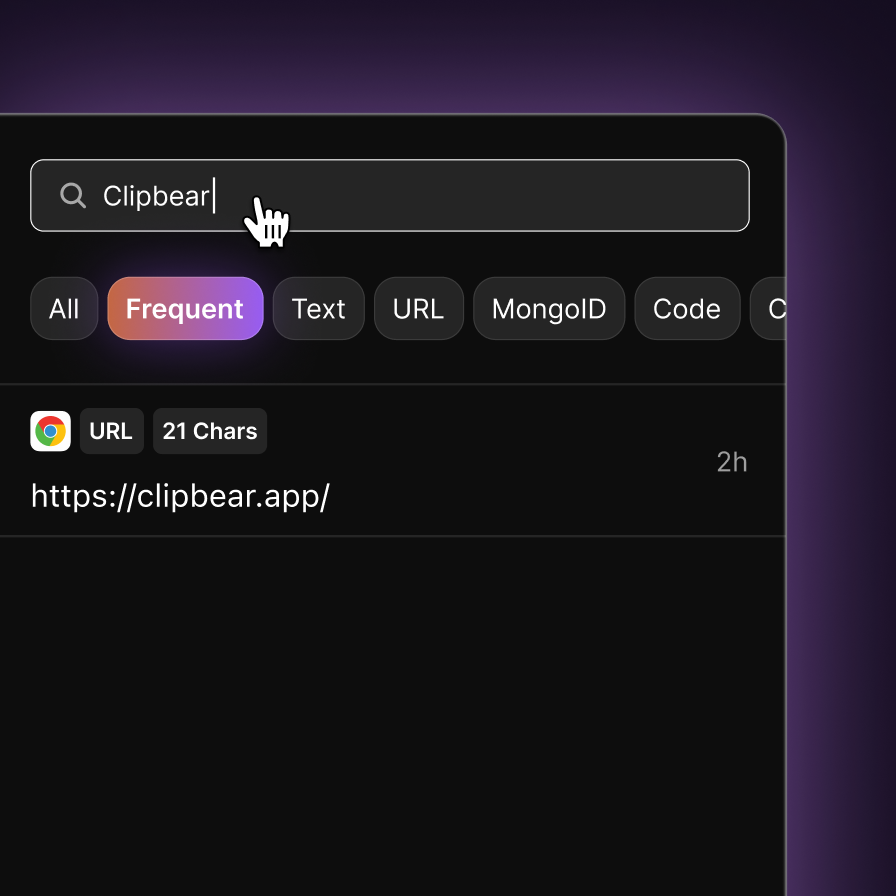
Clipbear search

Managing complexity without visual overload

Integrating all those features and telling users about them is only half the solution. The harder part was keeping the interface calm and focused while still supporting advanced workflows.

The approach was progressive disclosure: only display what matters in the current context. The copy action appears on hover rather than cluttering every item by default. Advanced features sit behind a secondary interaction layer. Contextual actions change dynamically based on the detected content type. Frequently used actions are automatically promoted to the primary layer, so the interface adapts to how each person actually works.

A smart search across clipboard history completes the picture, making it easy to find any previously copied item without scrolling through the entire log.

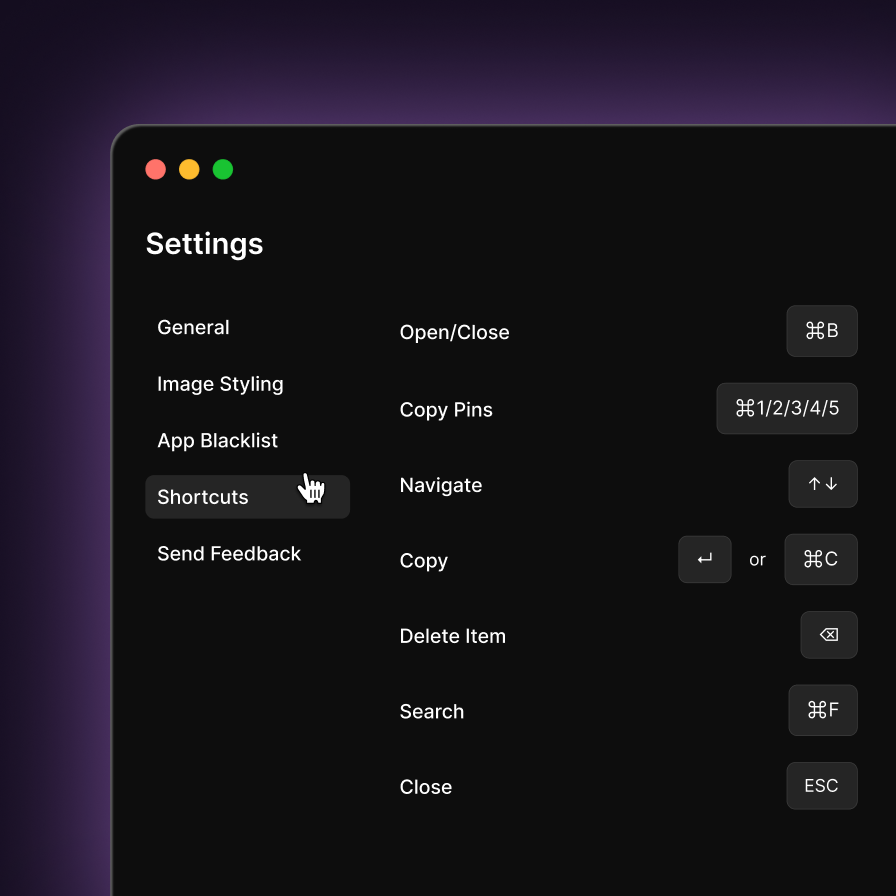
Clipbear keyboard shortcuts

Designing for speed and muscle memory

A calm interface is not enough if it makes power users slow. They don't read interfaces – they navigate through them subconsciously. The product was designed around keyboard-first interactions that reward repeat usage and build habit over time.

A global shortcut opens the ClipBear sidebar from anywhere. Quick actions appear automatically right after copying, so users can act on content without opening the sidebar first. Items can be pinned with dedicated shortcuts for instant access. Keyboard navigation works across all actions and nested menus. Deep configuration lets users remap shortcuts and fit the tool into habits they already have.

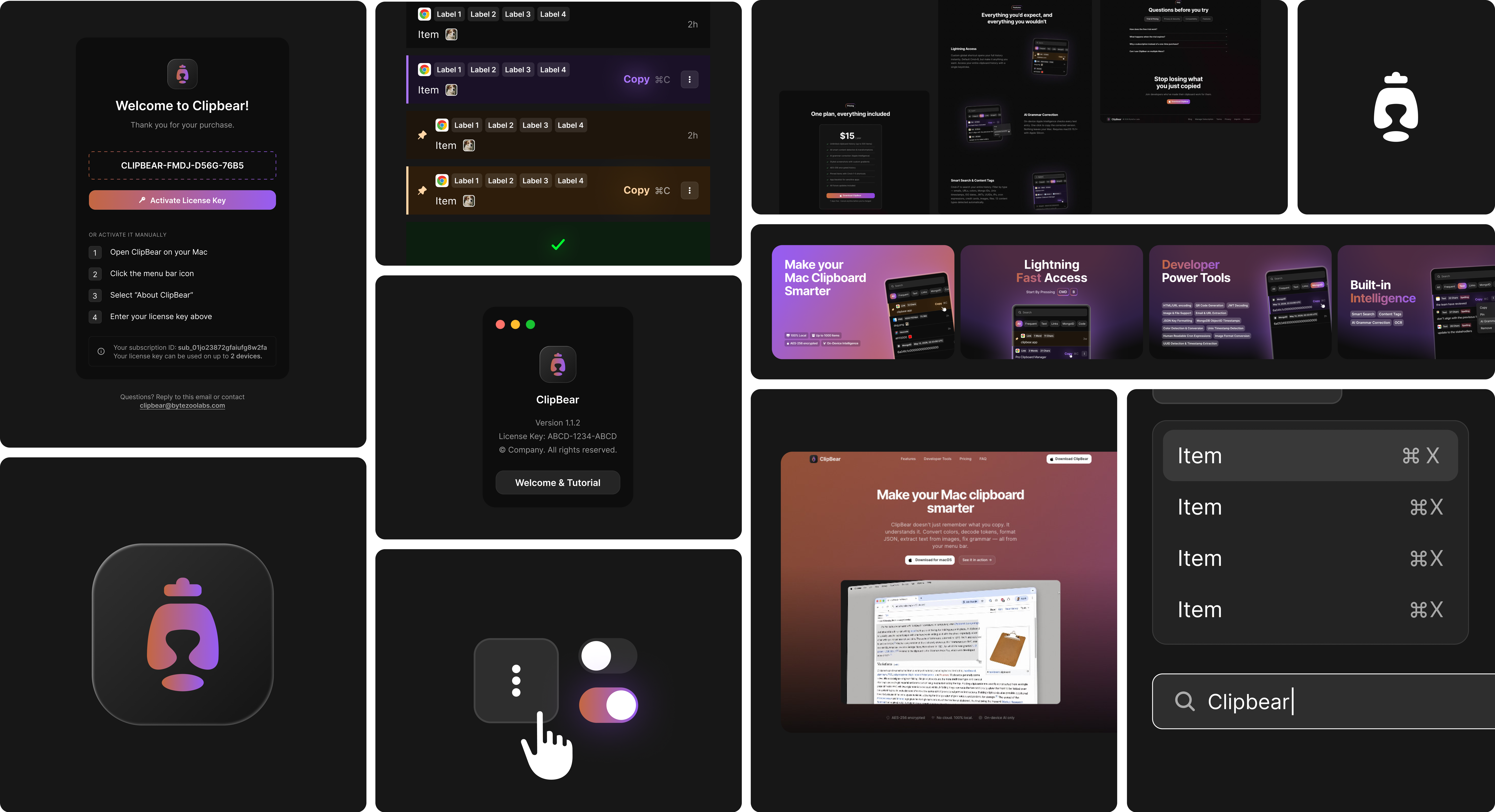
Clipbear design system overview

From Building to Selling

Designing the product itself was only part of the project scope. To keep the experience consistent and scalable, a component system was built alongside it. Beyond the product, the full launch included brand guidelines, app icon, marketing assets, and a landing page designed in Figma and shipped via Figma MCP on Lovable.