

Colority.net

Product Design, Prototyping, AI Workflows

Exploring AI-native product building workflows

Colority is the easiest way to extract core colors from any image. It’s a micro-tool that doesn’t just treat palettes like data – it presents them. Instead of wrestling with clunky color pickers, creatives get an instant palette ready for any project.

I originally hand-coded Colority at university, years ago in pre-AI times. Recently, I rebuilt it from scratch using Cursor. It enabled me to obsess over design and animation details in the code just as much as I usually do in Figma.

Colority AI-native design workflow

AI Toolstack & Workflow

This project was built with an AI-native workflow, where exploration, design and development were not separated but treated as a single continuous system.

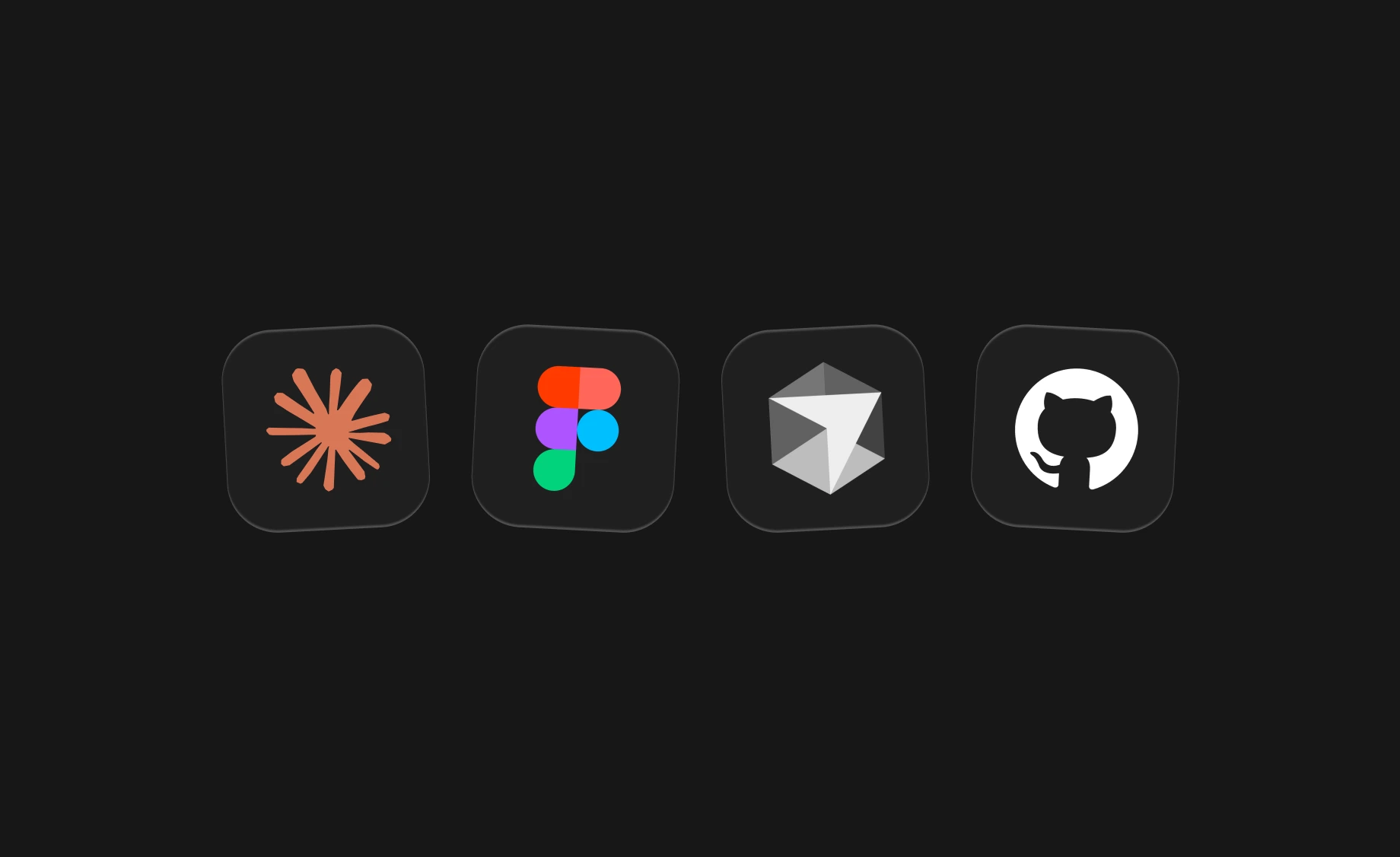
  • Claude: Used as a thinking and exploration partner, connected to Mobbin MCP for real-world app context.
  • Figma: Creating the design system, interface, and providing it to Cursor via the Figma MCP connection
  • Cursor: Primary environment for building, iterating, and refining product behavior directly in code
  • GitHub: Tracking product evolution in its own repository

Instead of handing off between disciplines, the entire workflow was compressed into a tight feedback loop between thinking, designing, and building. The process was owned end-to-end, from design to implementation, to deployment, to shipping.

Colority Design Principles

The interface is intentionally stripped back so the generated palettes remain the primary visual element – designed as a container for user-generated output rather than a self-contained experience. The possibility to choose between light and dark mode ensure optimal background contrast for any extracted color shade.

Colority runs in the browser and is responsive by default – adopting drag-and-drop mechanics on desktop and direct camera/gallery image capture on mobile.

To reduce friction in the first time user experience, the empty state is not blank – it shows a pre-generated example palette that demonstrates the system before interaction.

AI-enabled design details & craft

Colority explores how utility tools can feel more alive without becoming complex. Users can switch between HEX, RGB, HSL, and Pantone formats, and copy individual values or full palettes with a single interaction.

Subtle motion design and micro-interactions introduce a sense of responsiveness that mirrors the fluid nature of color itself. The intention was not to gamify the tool, but to avoid the static, “dead” feeling typical of many utility interfaces.